Ah, crumb! We forgot the salsa! Not no more! If you are the one that the family depends on to get the meals ready for your vacation, you have a lot riding on your shoulders. I’ve got a simple Self-Catering Meal Planning App step-by-step demo for you.

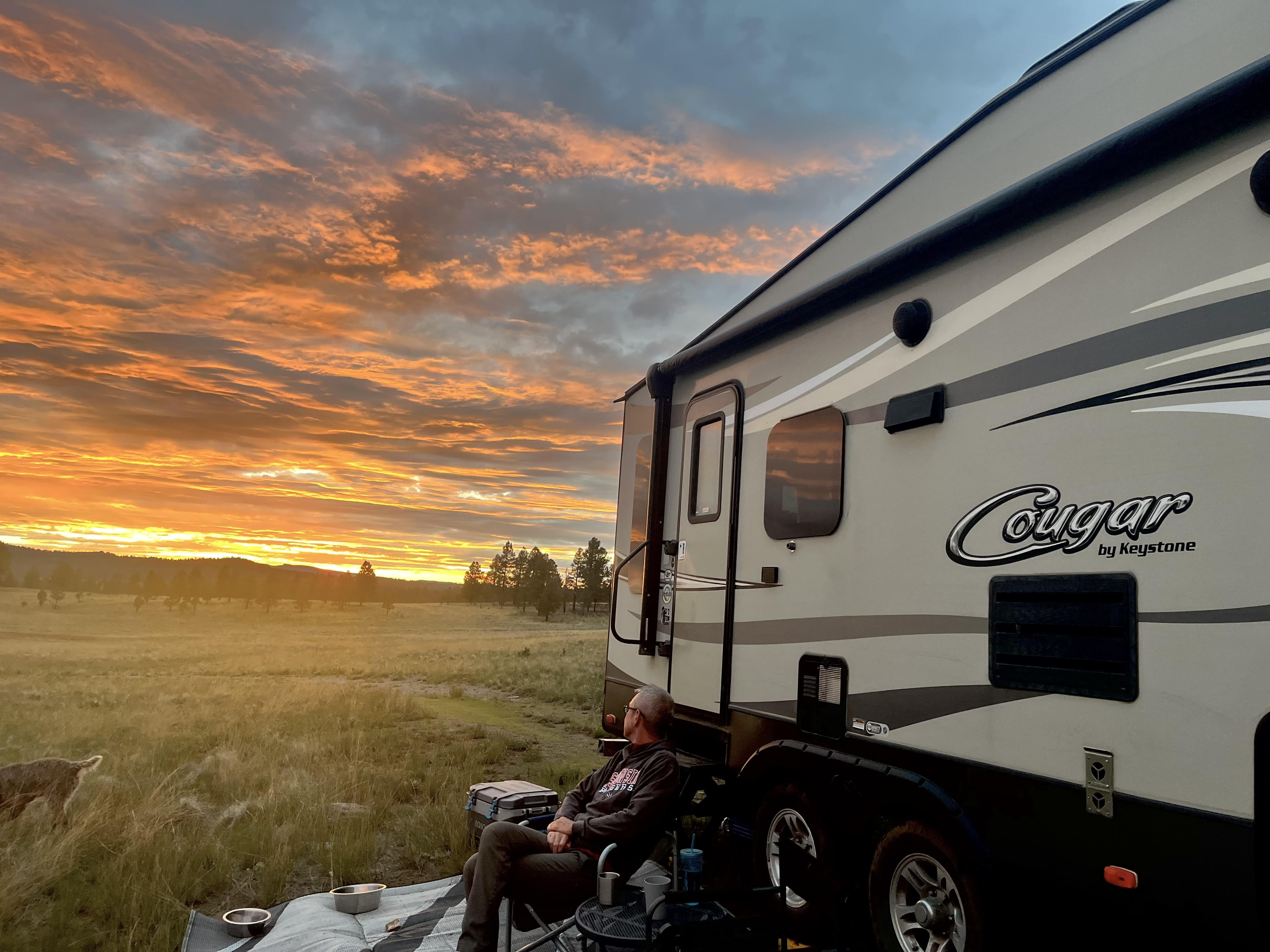
You’ve arrived at your campsite or vacation rental far away from any hint of civilization. Ah the quiet. Awe the beautiful nature. Let’s have a snack after all that driving. Ah crumb! We forgot the salsa. Or the beer. What else?! The chips too??? UGH!
Not no more!
In this post I’m going to introduce you to a free self-catering meal planning app that you probably already have.
I’m going to walk you through it, step-by-step, and when you’ve got it running, you will…
- Know what meals to pre-cook for your next trip
- Have an inventory of the ingredients you actually have in the camper, house boat, or vacation rental
- Know what you’ve eaten already
- Know what you still have available to eat
- Be laser-focused the next time you swing into a grocery store while on the road
All this so you can:
- Maximize your vacation time
- Minimize your food preparation stress
Why plan meals for your self-catering vacation travels?
It’s already a hassle to run to the store quick when you’re at home in a city. It may not even be possible to make a quick run to the store when you’re out camping in your RV, our on the water with the boat, or in the countryside in your vacation rental. We get far out–a “quick trip to the store” when we are camping could take a couple hours.
Realized you’re forgotten something? Thinking about either going to the store or going without? Living without a vital ingredient, like spaghetti noodles or taco shells, just isn’t living the good life.
Self-Catering Meal Planning App
I have a zillion things to do to get ready for any RV camping trip. I wanted an app that I could customize easily into my own system, update in a flash, and have available meal options visibly obvious.
While general meal planning apps abound, meal planning apps specifically for camping and self-catering were a no show. And the regular meal planning apps were just too cumbersome.
I thought… how about just a simple list?
So on the way back from one of our camping trips, I started compiling a list of our favorite meals. From that list, I noted which meals I could cook ahead of time. Then I color-coded which meals were for what times (breakfast, lunch, snack, dinner). By this time, the notebook I was scribbling all this on was a mess!
This wouldn’t do for the long term. Then I got smart and started putting those lists on my iPhone’s Notes app.
If you have an iPhone you already have the native Notes app.
It took a few trips to get my system up and running reliably, and now I’m ready to share my system with you. I’m going to show you, step-by-step, how to use it to organize your meal planning.
Disclaimer: My last non-iPhone was before “apps” (yes, that long ago). Do current non-iPhone have a comparable notes app? Please let our other readers know in the comments—let’s help each other out!
This meal planning app is most useful for …
Part-time RV campers
This is most useful for RVers and campers who are camping part-time. Home is home-base, and the RV camper is for trips: Maybe one night, maybe a few days, maybe a few weeks. But at some point, you come home and take the remaining food out of the RV to store it for a while. And then, at some point, you get the camper all stocked up with food and ready to go again.
“Self-Catering”
For those RVing and camping internationally, (called “self-catering”), this app will absolutely be useful to you too!
Renting an RV camper or house boat
Renting an RV camper? Since you bring in all your own foodstuff without storing any long term, you NEED this system.
Vacation Rentals
How stocked is that kitchen going to be??? Figuring out the must-needs is vital. You will want to do as much of that beforehand so that when you get in the rental, you can reassess and adapt as needed.
What this self-catering meal app won’t do
This app will not be the end-all to organize your entire food life. It’s made for short trips—simple, easy to use and customize, so you can maximize your vacation time and minimize your stress.
Step 1: Get the Self-Catering Meal Planning App Set up
Open your Notes App. This is included in your iPhone. If you’re not familiar with using the Notes app, you will find it in your settings.
Go to your Settings (cog wheel). If you see the search bar, you can type in Notes app. Or on the Settings page, scroll down to Apps (at the bottom of the list). Click Apps and scroll down to Notes (alphabetical).
The Notes app opens to a list of folders. At the bottom right is a box with a pencil in it. Click that and title it: “All-time greatest Vacation Meal Planning” (or just “Food Set Up” :-). Since I use this for RVing, I named it “RV Meal Planning.”
Create your List of Meal Options
As you begin to type, a row of word processing options will appear above the keyboard. The “Aa” option is for heading sizes. I use “Meals” as a major heading, and under that are subheadings: breakfast, lunch, snacks, dinner.


I love these word processing options. Half of the success of this method is how easy it is to see your available options. An outline format with itemized lists is so easy to read.
Under each subheading, make an itemized list of the meals that you like to bring on your vacations. The word processing options offer several typographical list markers. Choose the default option with the empty circle.
Add some meals in each subcategory.
You won’t take ALL of these meals every time you go on a trip. But the list of meal options will remind you what meals you might want to take for your next trip.

Step 2: Some meals are cooked before the trip
I’m not going to cook lasagna while camping or while in the RV. That takes way too much time and energy. I’m on vacation! I’m going to cook it beforehand. So I added another main heading category: “Meals to precook”. Yes, this mean that lasagna is listed twice: Once in the “Meals: Dinner” category and once in the “Meals to Precook” category.
That’s okay because we are looking at the categories for different reasons. We’re looking at the “Meals” category to know what our options are. We are looking at the “Meals to Precook” category to know what we need to do beforehand.
Why do I precook? To save time. My home kitchen has all the micro ingredients I need and much more space to do it in. I can pre-cook several meals at once!
Not all your meals for a self-catering vacation will be pre-cooked. For example, lunch of tomato soup and grilled cheese needs to be cooked when you’re going to eat it. So the “Meals to Precook” category will be shorter than the “Meals” category.
Step 3: Add Additional Categories for the meal components
Since this system is meant to be visually bold, it’s not a place for bulk recipes instructions. So instead of ingredients, I’m going to call them meal components. These are the parts of your meal that are vital to the meal but might be easy to overlook when packing the camper, house boat, or enjoying a short term vacation rental.
For example: A lunch of tomato soup with grilled cheese sandwiches will require a can of tomato soup, bread, sliced cheese, and butter. Instead of listing these with the meal, I list them in the meal components categories:

You get the idea! Other subheadings that I use under “Meal Components” are: “Bread and Starches” and “Fresh Produce”.
I add the bread for the tomato soup and the salad mix in the appropriate categories. The Meal Components list becomes my pre-trip shopping list and packing list.
Step 3: Your itemized list: Turn on. Turn off.
The trip is coming up. You know how long the trip is. You know how many people you are feeding, if anyone has dietary restrictions and what activities the family will be doing that might influence what meals you bring.
Turn on
So now you decide what meals you are going to take. Remember that the itemized list is an empty hole—tap it and it becomes a check mark. Check mark all the meals you want to serve for this upcoming trip.
Which of those meals will need to be precooked? Turn on those empty circles in the “Meals to Precook” category. Now you know what you need to get done beforehand in terms of precooking.
Once you pre-cook your meals, pack them in your supplies, along with the required meal components, make sure those empty circles are turned on with the check mark.
= Instant visual clue as to what meals and components you actually brought!
The meals without a check mark are simply not with you on this trip. Two-day trip? Ten-day trip? There will be less bright yellow check marks for a two-day trip than for a ten-day trip.

Turn off
After eating the tomato soup and grilled cheese lunch, I uncheck that meal. I don’t remove it from the list entirely because I may want that lunch on another trip. I simply uncheck it from the list and then I know it’s not an available meal on this trip.
Of the meal components, the can of tomato soup is used, so that gets unchecked. But there’s still more bread, sliced cheese, and butter so all those meal components still have check marks because they are available for other meals.
Step 4: Buying food on the road
Some meal components such as fresh produce or eggs will need to be resupplied as a longer trip goes on.
Add one more major heading: “Buy on the Road”
For example, if had used up the sliced cheese but wanted more, I would uncheck it from “Meal Components” because it was used and no longer available. And then I add it to the “Buy on the Road” category because I want to replenish that meal component during the trip.
= Instant shopping list. This is your shopping list while on vacation so you can be laser-focused, get in, get out, get back to having fun instead of figuring out food while in the store.
When those items are restored in the camper, boat, or vacation rental, remove them from the “Buy on the Road” category and add that check mark in the “Meal Components” category.

Step 5: Checking in with the Self-Catering Meal App
This means checking in with your Meal Planning Notes app on a daily basis. But the reward is having planned meals with all the components you need. Quicker to check in with the Meal Planning app than a “quick trip to the store”!
As the days of vacation tick by, there will be less and less check marks on your list—less and less meals and meal components available. But none of your meal ideas will be gone.

Final FAQs for your Self-Catering Meal Planning App
Why not just pack everything you could need?
#1 Has that ever worked? With anything? There’s always something you forget.
#2 Carrying everything you might need takes up space. Any short term vacation living has limited physical space too.
#3. The more you bring, the more the stuff weighs. More weight equals more drag which equals more gas usage and brake usage. Not to mention brain space and arm loads.
Extending vacations by planning more meals
On a fun note, depending on your travel method, you might be able to extend your trip!
I always bring 2 days more meals than days we have planned. These are stored in the freezer so if we don’t get to them, they are still frozen. But doing so also gives us options rather than the last night being the meal that we’ve been postponing for the whole trip!
Emergency supplies
Of course, you have to plan for emergencies too.
In our emergency supplies, which include tools, extra blankets, and more, we carry a small box of non-perishables. These are always kept in our camper with a note on my calendar to swap them out for fresh cans once a year. I hope your doing this for your camping supplies or boat too! These are foods can be eaten right out of the container with no cooking like MREs, canned meat, beef stew, and canned fruit.
Good Meal Planning Makes for a Good Trip
Now that you know how to do the Self-Catering Meal Planning App, customize this in any way that works for you.
Vacation is supposed to be fun. Good planning is a good trip. The thing that makes a bad trip tolerable is food.
Want my meal ideas? Send me an email and I will share my list with you.
Looking for awesome Self-Catering destinations?
Two of our favorite camping destinations are in the Southwest USA:
Gold Butte National Monument in Nevada might be the most hidden hidden gem ever, and just outside of Las Vegas. Read more here.
Travel tip… Get the Nevada Atlas and Gazetteer by DeLorme. The detail is pretty amazing. We have used it with each trip to the Lake Mead and Gold Butte area.
The Mojave National Preserve in California boasts two sand dunes, a lava cave, extinct volcanoes to climb, and the biggest Joshua Tree forest in the world (bigger than Joshua Tree National Park). Read more here.
Travel tip… Get the California Atlas and Gazetteer by DeLorme. The detail is pretty amazing. We have used it with each trip to the Mojave.


Leave a Reply